
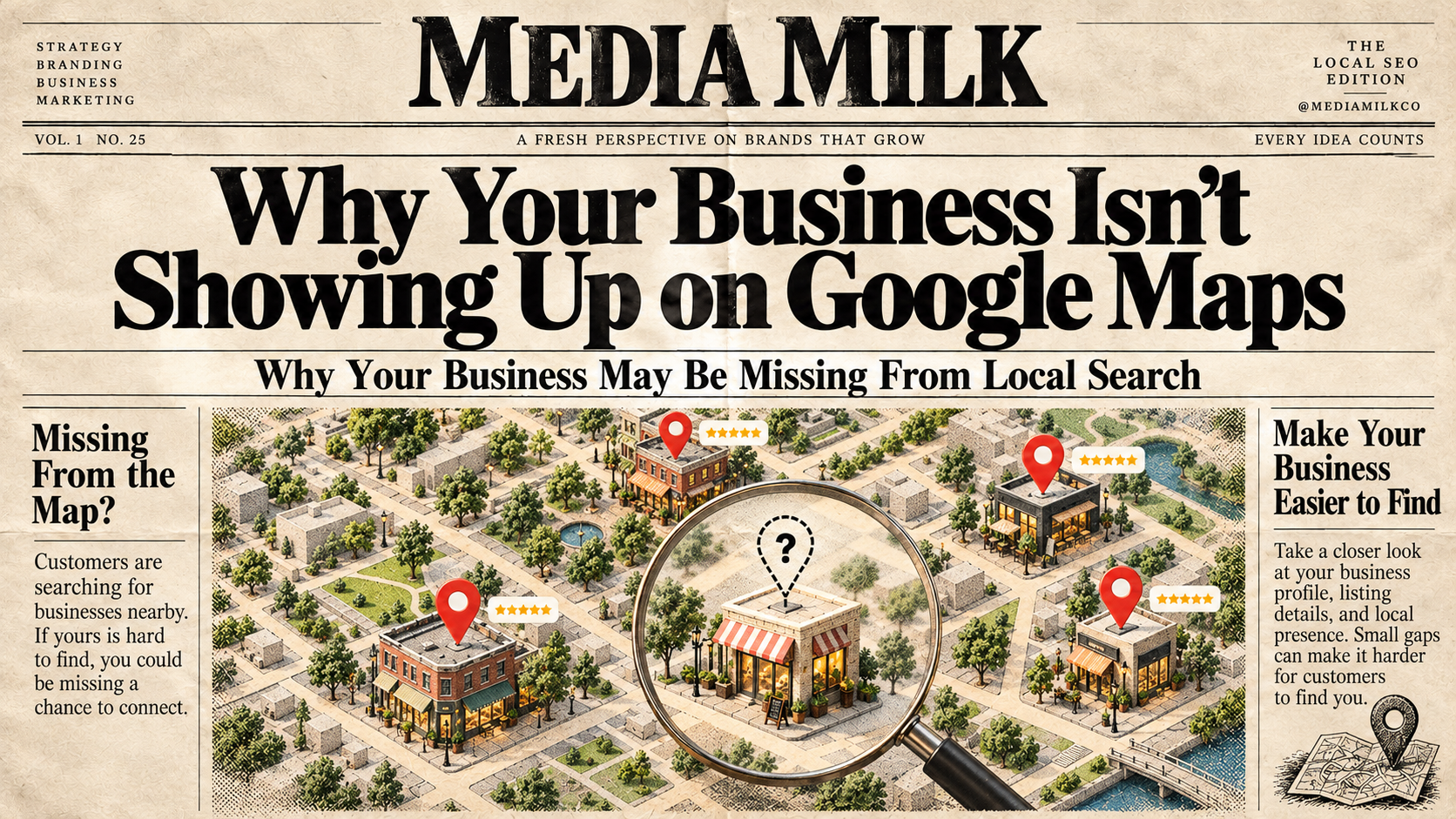
Why Your Business Isn’t Showing Up on Google Maps
You have a business. You have a website. You may even have a Google Business Profile. So why can’t people find you on Google Maps?
This is a common problem for small business owners. You may search for your company and see nothing. Or maybe your business appears, but it is far down the list where few people will see it. The good news is that this does not always mean something is wrong.
Google looks at many things when deciding which local businesses to show. The main factors are relevance, distance, and prominence. Your business also needs to follow Google’s rules and have accurate information. If your business is missing from Google Maps, here are some of the most common reasons why.
1. Your Google Business Profile Is Not Verified
One of the first things to check is your Google Business Profile. Google says that verifying your business tells Google that you are allowed to represent that business. A verified profile is more likely to appear in search results. If you created a profile but never finished verification, this could be the reason you are not showing up.
Think of verification as telling Google: “Yes, this is my real business, and I am the owner.”
If your profile still needs verification, sign in to your Google Business Profile and follow the steps Google gives you. Once your profile is verified, make sure all of your information is correct. You can also add or claim a Business Profile at no charge through Google.
2. Your Business Information Is Incomplete
Google needs to understand what your business does. If your profile has very little information, Google may have a harder time matching your business with local searches.
For example, imagine you own a plumbing company. Your profile says: John’s Services
That does not tell Google much. A better profile would clearly explain what you do, such as plumbing repair, drain cleaning, water heater service, or other services you actually provide. Google recommends providing complete and detailed business information because it helps Google understand your business and match it with searches.
Check your profile and make sure important details are filled out, including:
-
- Business name
- Business category
- Address or service area
- Phone number
- Website
- Business hours
- Services
- Photos
Keep this information accurate. Do not add information just because you think it will help you rank.
3. Your Business Category Is Wrong
Your primary business category matters. Google uses your category to understand what type of business you have. If you choose the wrong category, your business may not appear for the searches that matter most.
For example, if you run a bakery, choosing a category that does not match your main business can send Google the wrong signal.
Google recommends choosing the fewest categories needed to describe your core business. In simple terms, don’t pick every category you can find. Choose categories that truly describe what your business does.
Your goal is not to tell Google everything you could possibly offer. Your goal is to clearly tell Google what your business is.
4. Your Business Is Too Far Away From the Person Searching
This one surprises many business owners. You may search for your business from your home and see it. Your customer, however, may search from a different part of town and not see it. Why? Because distance matters. Google says local search results are based mainly on relevance, distance, and prominence. Distance means how far a business is from the person searching or from the location included in the search.
For example, a person searches: “pizza near me”
Google usually focuses on businesses near that person. This means you may not rank in every part of your city. That is normal. You should not expect your business to appear first for every person who searches for your service.
5. Your Business Is New
New businesses often need time to build trust and visibility online. If you just opened your doors, Google may have less information about your business than it has about businesses that have been around for years.
Older businesses may have:
-
- More customer reviews
- More website mentions
- More links from other websites
- More information across the web
- A longer history in the local market
Google calls this prominence. Google explains that prominence is partly based on how well-known a business is and information it finds about the business across the web. Reviews and links from other websites can also play a role. That does not mean a new business cannot rank. It means you may need to build your online presence over time.
6. You Don't Have Enough Reviews
Reviews can help people decide whether they want to use your business. They can also help with local visibility. Google says that review count and positive ratings can help a business’s local ranking.
But there is an important rule here: Don’t buy fake reviews.
Do not pay people to leave reviews if they did not use your business. Do not create fake accounts to review yourself. Do not offer rewards in ways that break Google’s rules. Google takes fake and paid-for reviews seriously and may place restrictions on Business Profiles involved in fake engagement. Instead, ask real customers to leave honest feedback after they use your business. A steady stream of real reviews is much better than trying to take shortcuts.
7. Your Business Name or Address Does Not Match
Your business information should be consistent and accurate.
For example, your Google profile may say ” ABC Plumbing”
I noticed your website lists ABC Plumbing & Heating LLC
And another website lists: ABC Plumbing Services
Small differences are not always a problem, but you should aim for clear and consistent information. Your address also needs to be accurate.
Google’s guidelines say businesses should make sure their address or service area is accurate and precise. Google also says there should generally be only one profile per business. If you moved locations, changed your phone number, or changed your business name, check your profile and other important online listings.
8. You Created More Than One Business Profile
More profiles do not mean more chances to rank. In fact, having multiple profiles for the same business can cause problems. Google’s guidelines state that there should only be one Business Profile per business.
So if you have three profiles for the same location, don’t assume that is helping. It may be doing the opposite. Focus on having one accurate, well-managed profile.
9. Your Business May Not Qualify for a Google Business Profile
Not every business is eligible for a Business Profile. Google says an eligible business generally must make in-person contact with customers during its stated hours. There are some exceptions for certain types of businesses. For example, an online-only business with no physical location or local service area may not qualify.
Google also lists fake businesses, private homes, and some businesses without a real-world presence as examples of places that may not be eligible for Google Maps. So before spending hours trying to fix your listing, make sure your business is eligible.
10. Your Profile May Have Been Suspended
Another reason your business may suddenly disappear is a suspension. Google can suspend or disable Business Profiles that do not follow its guidelines. This can be frustrating because you may not always know right away what caused the problem.
Start by checking your profile and looking for a notice about the suspension. Then review Google’s Business Profile guidelines. Fix any problems you find before asking Google to review the profile.
Google says evidence such as business registration, a business license, tax documents, or utility bills may help support an appeal in some cases. Don’t create a new profile just to get around a suspension. Find the problem and follow Google’s process.
11. You Are Looking at the Wrong Search
Here’s another simple mistake.
You may search: “best dentist in [your city]” and not see your business.
That does not always mean your profile is broken. Google changes local results based on the person searching and their location. The results you see may not be exactly the same as the results someone else sees. Distance is one reason for this.
Instead of checking only one search, look at several relevant searches. Also check your Google Business Profile performance data. Google provides information about searches, views, and customer actions connected to your profile. This can give you a better idea of how people are actually finding your business.
What Should You Do Next?
If your business isn’t showing up on Google Maps, don’t panic. Start with the basics.
Step 1: Make sure your business is eligible.
Step 2: Claim and verify your Google Business Profile.
Step 3: Check your business name, address, phone number, website, hours, and service area.
Step 4: Choose the right primary category.
Step 5: Add helpful business information, services, and real photos.
Step 6: Ask real customers for honest reviews.
Step 7: Make sure you only have one profile for your business.
Step 8: Check for warnings or suspension notices.
Step 9: Give Google time to understand your business and build its online presence.
Most importantly, don’t try to trick Google. Google says there is no way to pay for a better local ranking. Local results are mainly based on relevance, distance, and prominence.
The Bottom Line
Not showing up on Google Maps can be stressful, especially when you know customers are searching for businesses like yours. But there is usually a place to start. Your first job is to make sure Google knows who you are, what you do, and where you serve customers.
Then make sure your information is complete, accurate, and up to date. Build real customer reviews. Keep your profile active and trustworthy. Follow Google’s rules.
You may not become the number-one result overnight. And you cannot control where every customer sees your business. But by giving Google clear and accurate information, you give your business a much better chance to be found by the right people at the right time.

Media Milk helps businesses turn better branding, smarter marketing, and stronger digital experiences into real growth. From getting found online to creating content people actually notice, we help your business attract more attention, build more trust, and convert more customers.
What We Can Do For You:
Website Design & Development
Search Engine Optimization (SEO)
Social Media Management
Branding & Graphic Design
Content Creation
Digital Advertising
Related Articles:
Categories:
SEO & Search Visibility
Social Media Content
Branding & Creative
Advertising & Lead Generation
Business Growth
Need some help?
Click the button below to schedule a hassle-free consultation and see how Media Milk can help your business grow.