

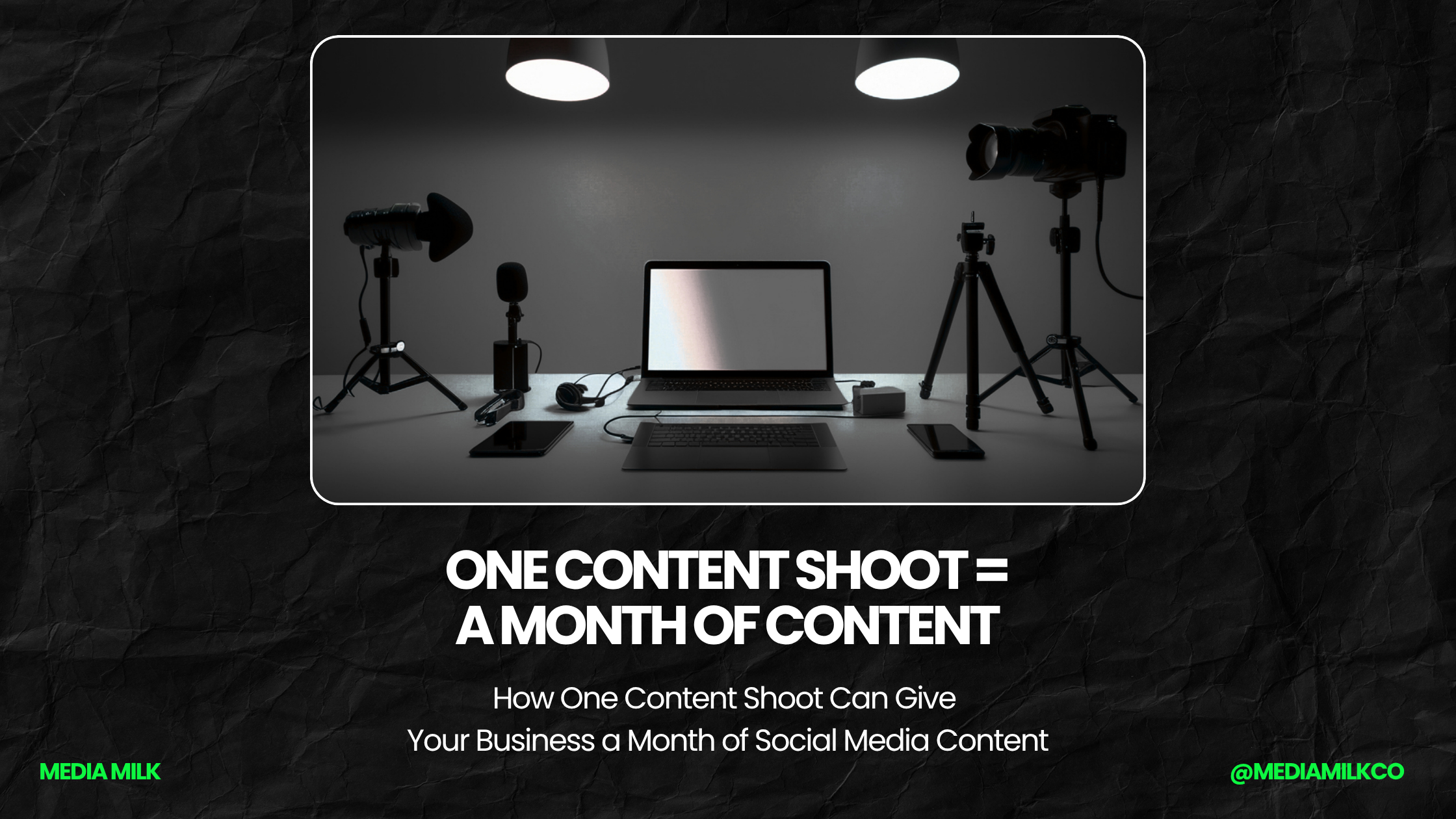
How One Content Shoot Can Give Your Business a Month of Social Media Content
If keeping up with social media feels like a never-ending chore, you are not alone. A lot of business owners know they should post more often. They may even have plenty of things to say. The hard part is finding the time to take photos, record videos, write captions, and come up with new ideas every week. What if you could handle most of that work in one day? That is where a content shoot can help. A content shoot is simply a planned time when you take a bunch of photos and videos for your business. Instead of grabbing one picture when you remember to post, you create a collection of useful content all at once.
With a little planning, one good shoot can give you enough material to use throughout the month. You are not creating 30 completely different pieces of content. You are taking one day of work and finding many ways to use what you captured. Here is how to make it happen.
Start With a Simple Plan
Before you grab your phone and start taking pictures, make a short list of what you need. Think about the next few weeks. Do you have a new product coming out? Is there a holiday or local event coming up? Are there services you want to promote? Do you want to introduce your team? Maybe you have a few common customer questions that you could answer in short videos.
Write those ideas down. You do not need a complicated content calendar. A basic list will do.
For example, your list might include:
- Photos of your products
- Pictures of your team
- A few customer-focused photos
- Behind-the-scenes videos
- Short educational videos
- Photos of your location
- Before-and-after shots
- Seasonal content
- A few promotional images
Having a plan keeps you from spending the whole day taking the same type of picture. It also makes it easier to remember the small things that could become useful posts later.
Make the Most of Your Time
Once you have your list, look for ways to capture several pieces of content at once. Let’s say you own a local bakery. Instead of taking one photo of a cake, you could photograph the ingredients, the decorating process, the finished cake, and the person who made it. You could also record a short video while the cake is being decorated. Now you have several pieces of content from one job. The same idea works for almost any type of business.
A landscaper could photograph a project before work starts, during the job, and after it is finished. A salon could capture the process of a haircut or color service. A restaurant could record food being prepared and then photograph the finished plate. Look for different angles, steps, and moments. You may be surprised by how much content is hiding inside one ordinary workday.
Don't Just Take Pictures
Photos are useful, but do not stop there. Short videos can give you even more options.
You could record someone explaining a common customer question. You could film a quick tour of your business. You could show how a product works or give customers a look at something they normally would not see. Keep the videos short and simple. You do not need a script that sounds like a television commercial. In many cases, a person talking naturally to the camera will feel more comfortable and believable.
If you make a mistake, start again. If you laugh, that is okay too. You want your posts to feel genuine and true to your business, not like they were made for a big-budget commercial.
Capture Your Team
Your employees are part of your brand. People like seeing the faces behind a local business, so make time for team photos and short videos. Take a group picture. Get a few individual photos. Record someone answering a question about their job. You can also capture normal moments. Maybe someone is preparing the store before opening. Someone else is packing an order. Another employee is helping a customer.
These moments may not seem special to you because you see them every day. Your customers don’t. That is what makes them worth sharing.
Get More Than One Shot
Do not take one photo and immediately move on. Take several. Try a different angle. Move closer. Step back. Take a picture with the product in someone’s hands. Take another with the product by itself. You can use different photos for different posts. One image might work for Instagram. Another could work better on Facebook. A vertical video may be useful for a short-form video post.
Having choices also means you are less likely to reuse the exact same image over and over.
Think About the Story Behind the Picture
A photo is only part of the post. The story around it can give you another piece of content. Imagine you take a picture of a finished remodeling project. One post could show the final result. Another could explain what the customer wanted to change. A third could talk about one of the challenges your team faced during the project. You might even make a short video explaining one thing homeowners should think about before starting a similar job. The picture stays the same idea, but the message changes. That is one of the easiest ways to get more value from your content.
Turn One Video Into Several Posts
Video can also be reused in different ways. Suppose you record a two-minute video answering a common customer question. You could use the full video on one platform. Then pull out a short section for another post. You could turn the main point into a written tip. You could use a quote from the video as a graphic. You could also use a still image from the recording with a short caption.
The point is not to post the same thing everywhere without changing it. Instead, take one useful idea and present it in different ways. That can save a lot of time.
Leave Room for Real-Time Content
Planning ahead does not mean every post has to be scheduled weeks in advance. Leave some space for things that happen during the month. Maybe your business gets a great customer review. You receive a new product. Your team wins an award. A local event comes up. Something funny happens at work. Those moments are worth sharing while they are fresh.
Your content shoot gives you a supply of planned content, while these unexpected moments help keep your social media from feeling too planned. A mix of both can make your page feel more natural.
Organize Everything When You're Done
One of the easiest ways to waste your hard work is to throw all your photos and videos into one giant folder. Take a few minutes to organize them.
Create folders for things such as:
Products
Team
Behind the Scenes
Customer Projects
Videos
Seasonal Content
You can also label files with simple names so you know what you are looking at later. This may seem like a small step, but it can save you a lot of time when you need to find a photo three weeks from now.
Build a Simple Monthly Content Calendar
Once your content is ready, spread it out. You might post two or three times a week, depending on your business and what your audience responds to.
For example:
Week 1: Team photo, helpful tip, product photo
Week 2: Behind-the-scenes video, customer story, promotional post
Week 3: Before-and-after photo, educational video, local post
Week 4: Product highlight, team post, special offer
This is just a starting point. Your schedule should fit your business.
Don’t force yourself to post every day if you don’t have enough useful content to share. Fewer helpful posts can be easier to manage and easier for your audience to enjoy.
Pay Attention to What People Like
After a few weeks, look at your results. Which posts received comments? Which ones were shared? Did people watch your videos? Did anyone click through to your website? Did a post lead to questions or new customers? Most social platforms give you simple ways to see which posts are getting attention and which ones may need a different approach. Meta, for example, gives businesses insights that help them understand how people interact with their content.
Use that information to plan your next shoot. If people loved seeing your team, take more team photos. If your how-to videos performed well, record more tips. If a certain type of product photo gets little attention, try presenting it differently.
Your audience can help tell you what is worth creating.
You Don't Need a Fancy Camera
A smartphone can be enough to get started. What matters more is having decent lighting, a clean background, and a clear subject. Natural light can work well for photos. Try taking pictures near a window or outside when the light is not too harsh. Before recording a video, check what is behind you. Move anything distracting out of the way. And wipe your phone’s camera lens. That last one sounds silly, but it can make a noticeable difference.
You do not need a studio to create useful content. You need something worth showing and a little time to capture it well.
One Day Can Save You Hours Later
The biggest benefit of a content shoot is not just getting more photos. It is getting your time back. Instead of stopping what you are doing every few days to figure out what to post, you already have a library of content waiting for you. That can make social media feel much less stressful. You can spend one afternoon taking photos and videos, then use those pieces throughout the next several weeks. You can also make the process easier by repeating the shoot each month.
It does not have to take an entire day. Once you know what works, you may be able to capture everything you need in a couple of hours.
The Bottom Line
You do not need to create something brand new every time you post. You need to get better at seeing the content that is already part of your business.
Your products, your employees, your customers, your projects, your advice, and even your normal workday can all give you something to share.
Set aside some time. Make a simple plan. Take more photos than you think you need. Record a few short videos. Capture your team. Show your work. Then organize everything and spread it across the month.
One good content shoot can turn a few hours of work into weeks of social media ideas. And once you get into the habit, you may find that creating content becomes less of a chore and more of a normal part of running your business.

Media Milk helps businesses turn better branding, smarter marketing, and stronger digital experiences into real growth. From getting found online to creating content people actually notice, we help your business attract more attention, build more trust, and convert more customers.
What We Can Do For You:
Website Design & Development
Search Engine Optimization (SEO)
Social Media Management
Branding & Graphic Design
Content Creation
Digital Advertising
Related Articles:
Categories:
SEO & Search Visibility
Social Media Content
Branding & Creative
Advertising & Lead Generation
Business Growth
Need some help?
Click the button below to schedule a hassle-free consultation and see how Media Milk can help your business grow.